Import reviews from Walmart using extension
Easily Import Walmart Reviews with LAI: Streamline Your Product Review Process and Elevate Customer Trust
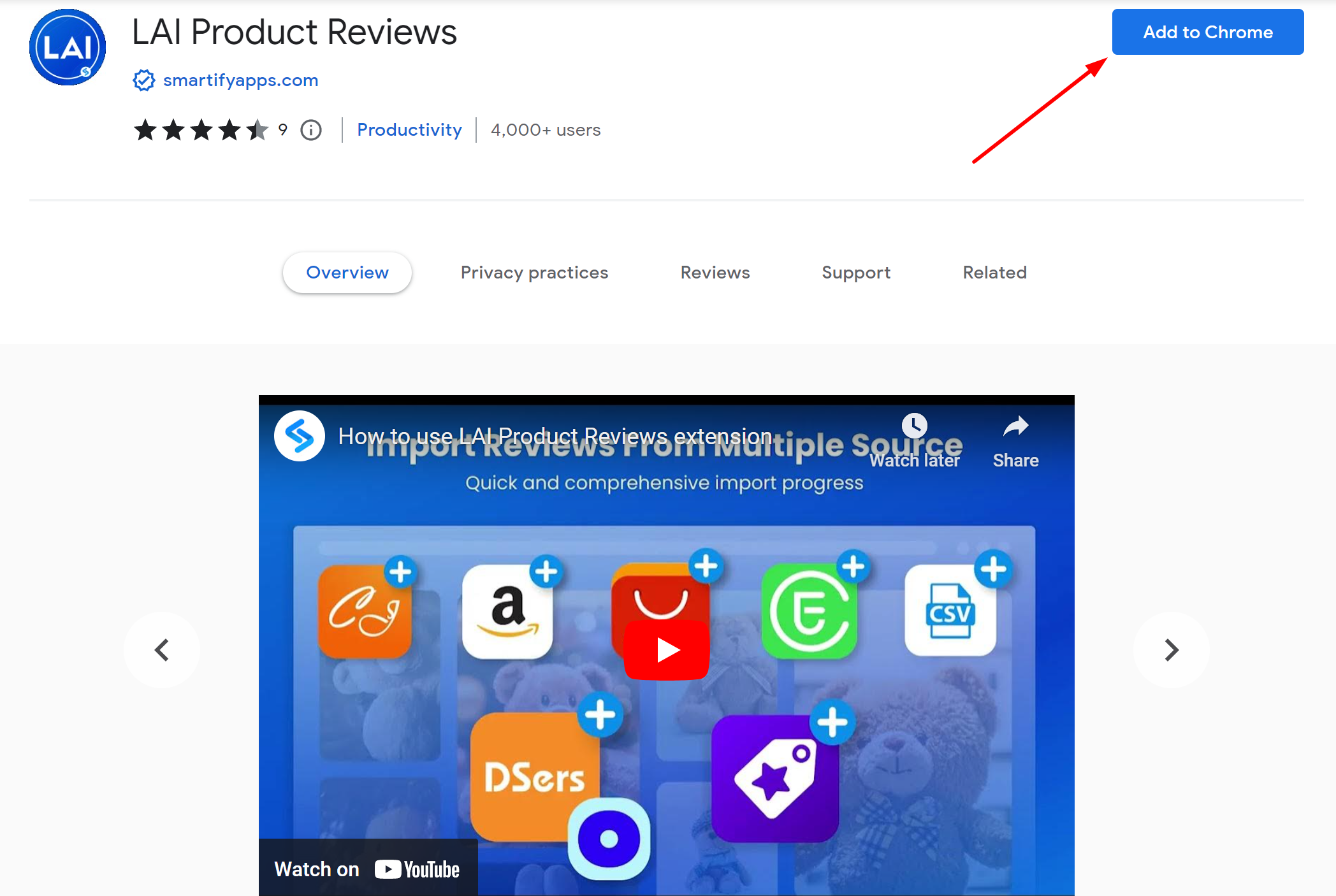
First, you need to install this Chrome extension.
Go to LAI app > Reviews > Manage reviews > Import > Select Walmart.

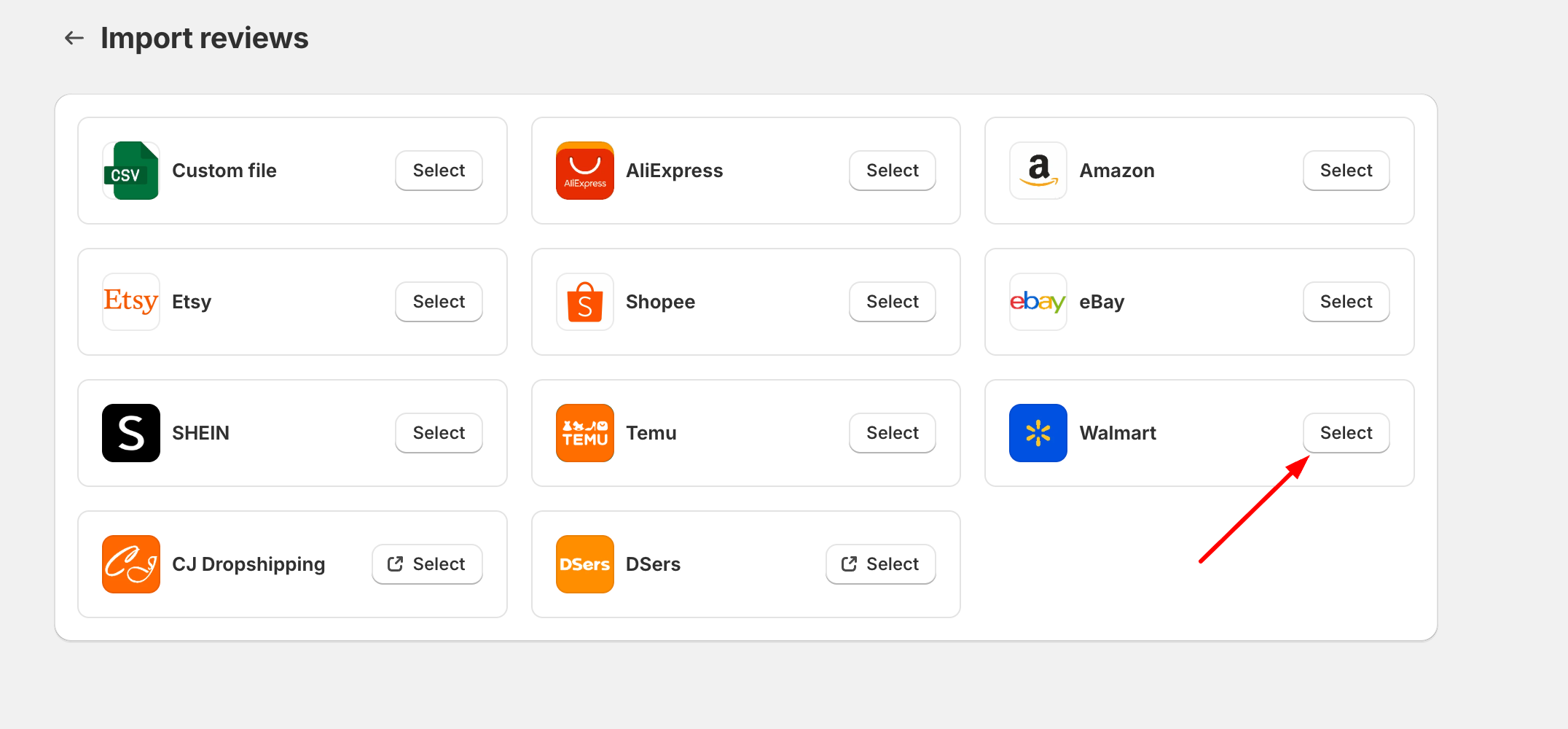
Step 1: Prepare the Page
-
Navigate to the Walmart product reviews page you want to import from.
-
This is an example of a Walmart product link:
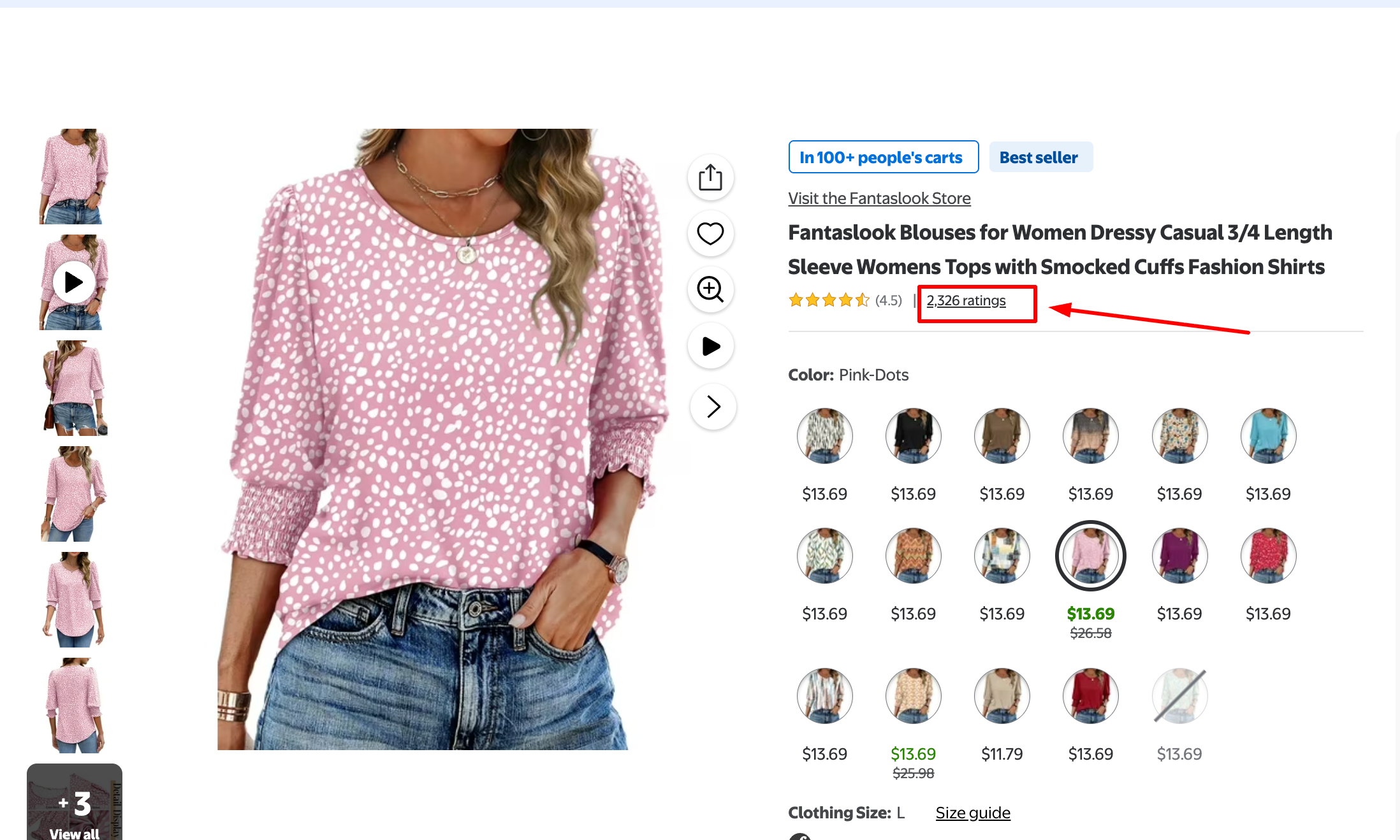
- If you're on the product page, click the star rating number under the product name to jump to the reviews section.
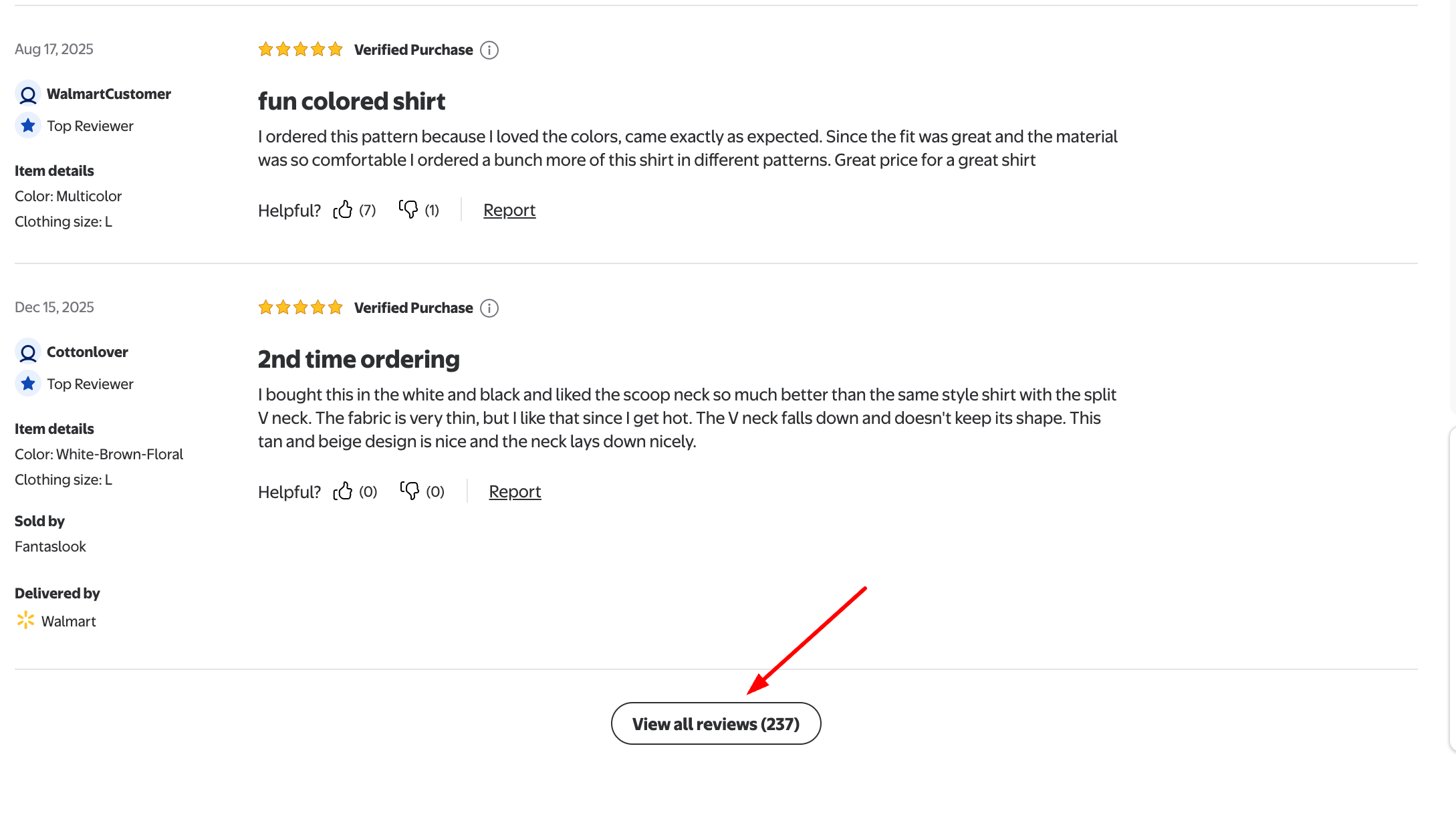
- Then, find and click the View all reviews button to open the full reviews page.
Step 2: Click the LAI icon on the right-hand side of the page
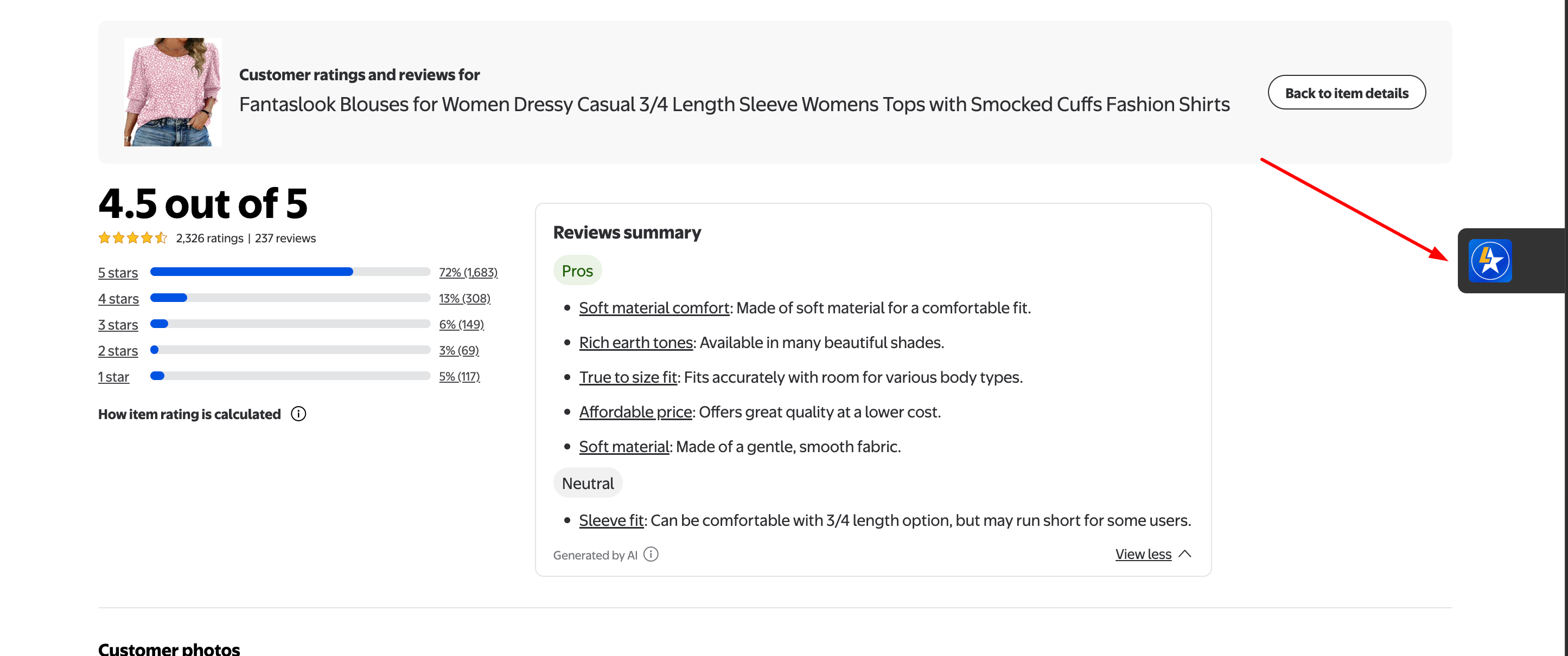
Step 3: Fill in the import modal
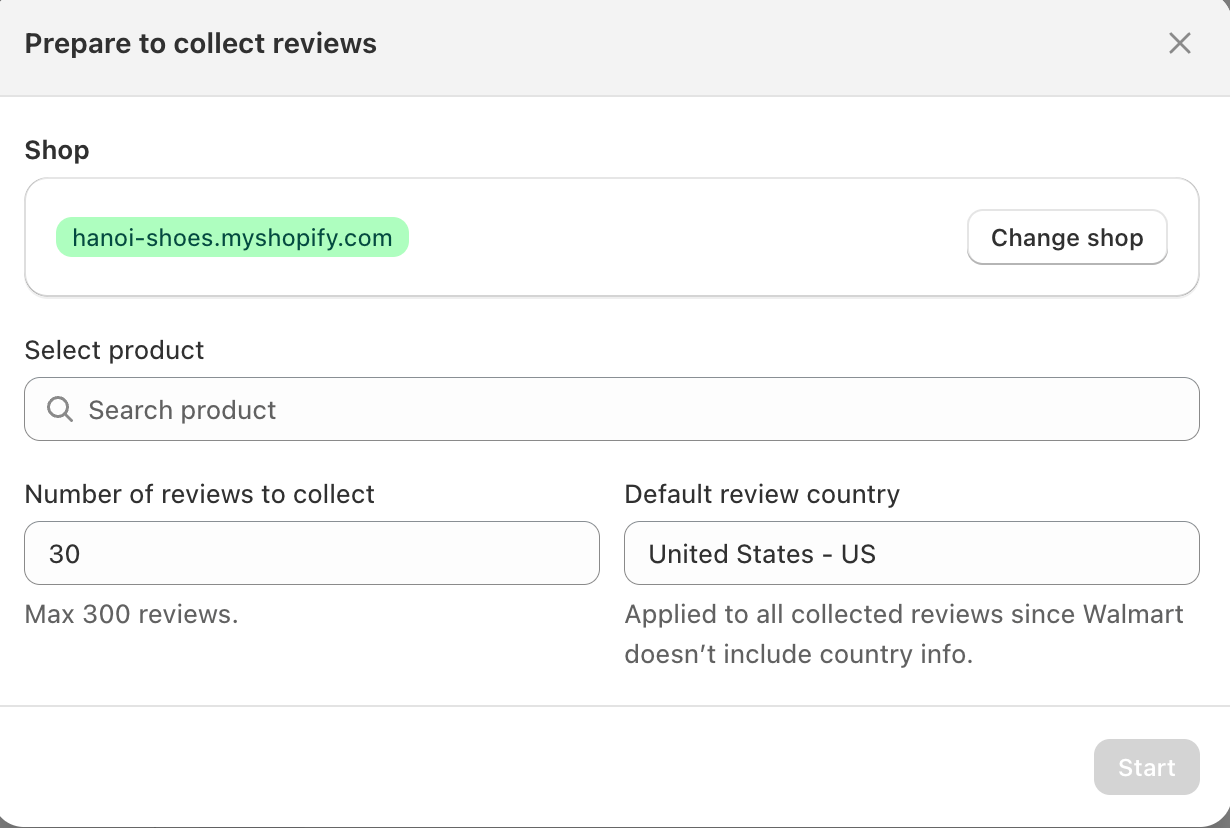
-
Select product: Enter the product name you want to import reviews for.
-
Number of reviews to collect: Enter the number of reviews you want to import.
-
Default review country: This will be applied to all imported reviews, as Walmart does not provide country information for reviews.
Step 4: Click "Start" to begin collecting reviews
-
Please wait a few seconds for the review collection process to complete.
-
Once finished, you can preview, select, and edit the reviews before clicking Import to add them to your store:
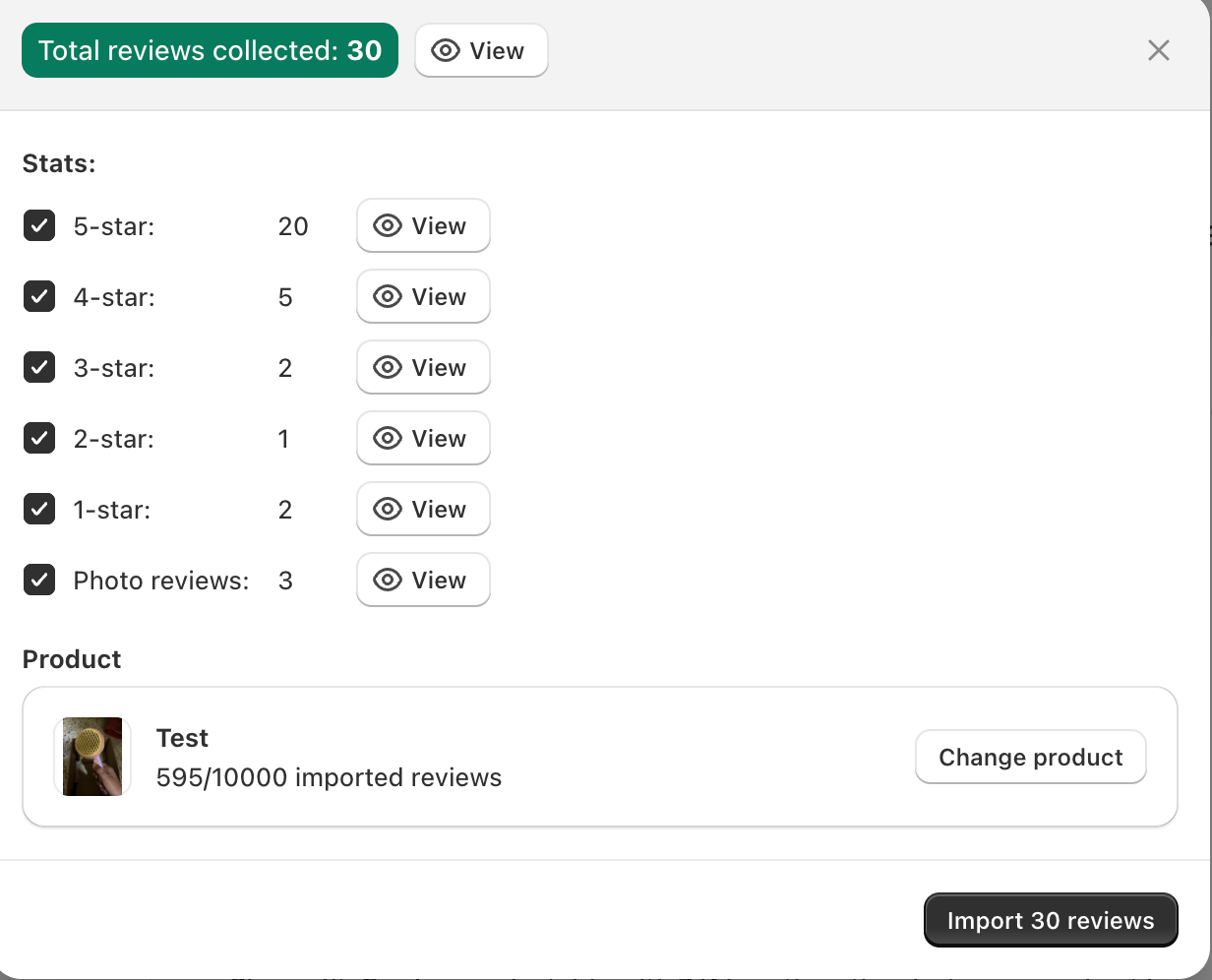
If you have any questions about this feature, please contact us via live chat or send us emails to [email protected].